What makes a good restaurant website?
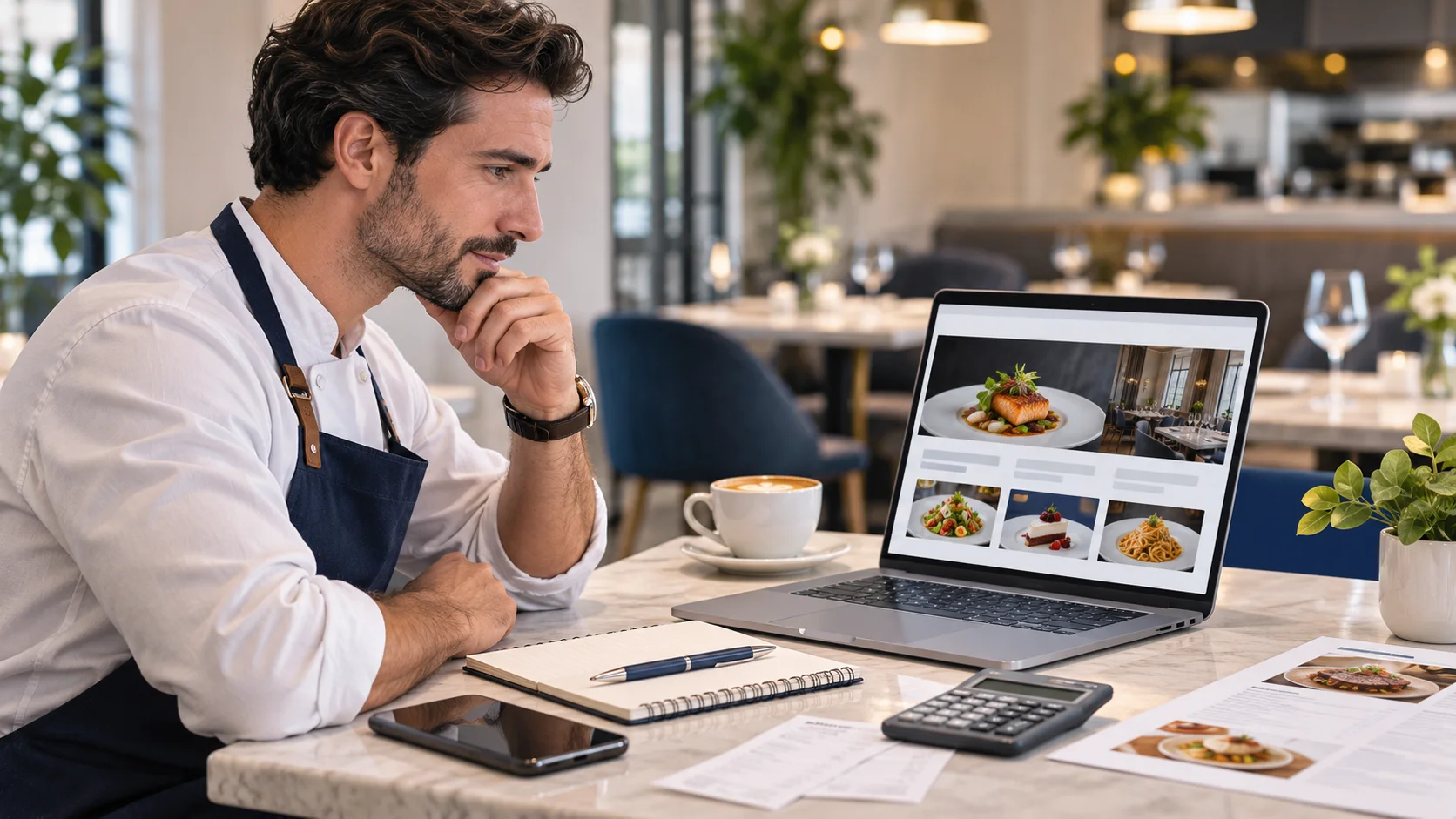
Good restaurant website design is not simply about choosing attractive colours or uploading photographs of food. It is about helping someone make a dining decision with as little friction as possible. A visitor may want to compare dishes, check dietary options, look up the address or make a booking before leaving home. The website should support those tasks without making guests search through unnecessary pages.
At Milvexa, we believe the starting point should be the restaurant's needs and its guests' expectations. A neighbourhood café may require a straightforward website with a menu and contact details. A restaurant handling a high volume of bookings may need a different reservation workflow. The right solution depends on the business, not on the number of features available.
10 essential restaurant website design features
1. A homepage that explains the restaurant immediately
The first screen should establish the restaurant's identity. Visitors should recognise the type of food, the atmosphere and where the business is located. A concise introduction and a strong, authentic image can communicate this without requiring a long description. Place important actions such as 'View Menu' and 'Book a Table' where they can be found easily. Clear wording is more useful than creative labels that leave visitors guessing.
2. An online menu that is easy to read and maintain
For many guests, the menu is the deciding factor. Organise dishes into familiar categories and include useful descriptions and current prices where appropriate. If the restaurant offers separate lunch, dinner or drinks menus, make that distinction obvious. Important dietary and ingredient information should be communicated accurately through an appropriate process. The website should never imply that a dish is suitable for a particular dietary need without reliable information.
A menu published directly as readable web content can be easier to explore on a phone than a PDF designed for print. PDFs can still be useful, especially as downloadable alternatives. However, maintaining several inconsistent copies creates unnecessary work. We recommend deciding where the authoritative menu information will be managed before building the page.
3. A reservation experience that matches the business
Not every restaurant needs a complex booking platform. Some businesses prefer phone reservations. Others use a request form or an external booking provider. Whichever approach you choose, the website should explain what happens next. A reservation request is not necessarily a confirmed booking. Guests need to understand whether they should wait for a response or whether their table has already been secured.
If the restaurant relies on specialist booking software, a suitable external link or integration may be considered. Features such as live availability, deposits, automated confirmations or table allocation require separate evaluation. They should not be assumed to come with every restaurant website.
4. Accurate opening hours and clear contact details
Display the restaurant's address, phone number and opening hours prominently. If kitchen service ends earlier than the venue closes, explain that difference. Include exceptional hours for public holidays and temporary closures. A visitor should not have to compare multiple sources to work out whether the restaurant will be open. Details should also be checked against the restaurant's Google Business Profile.
5. Mobile-first usability
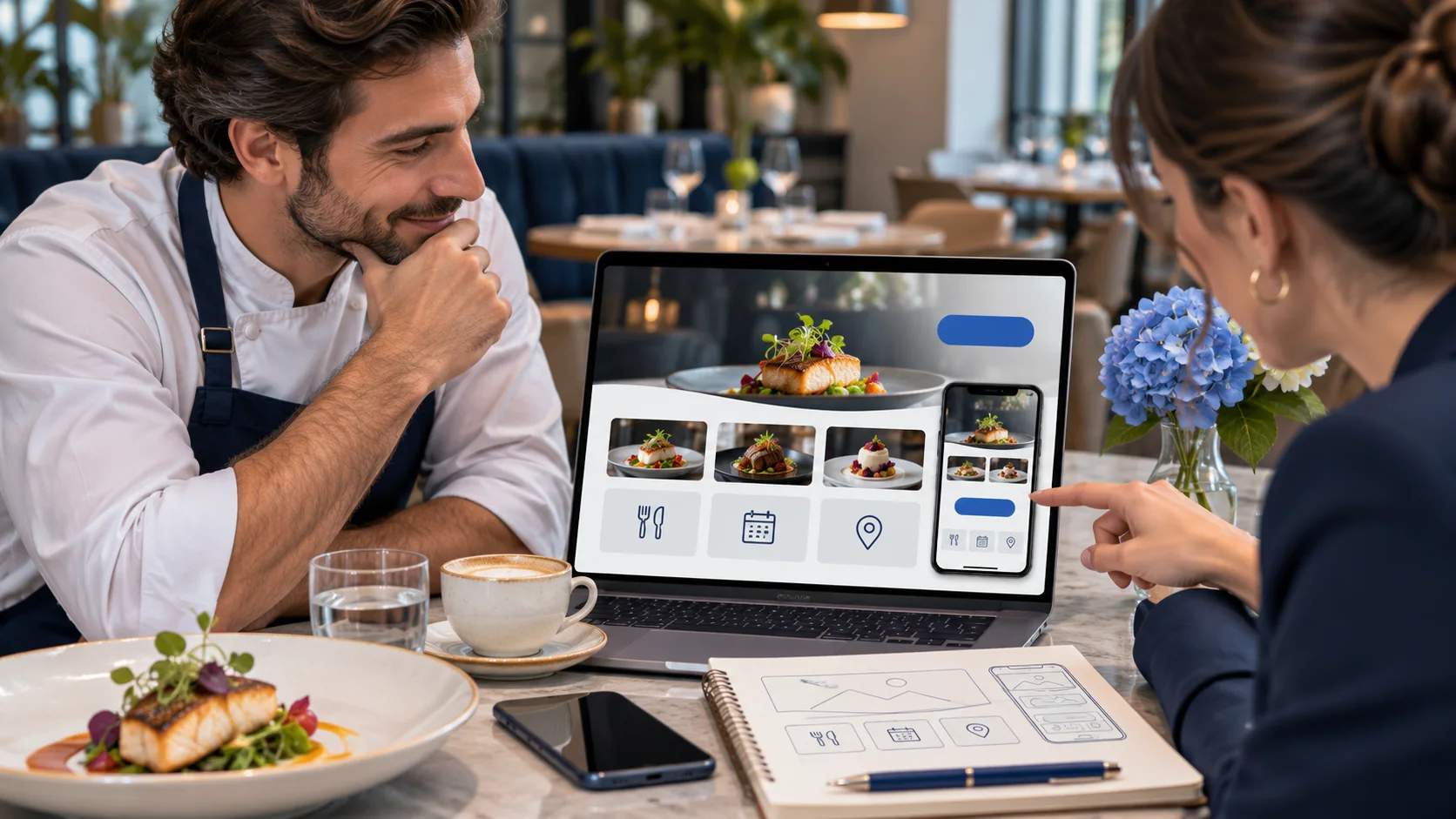
A website that looks impressive on a large screen can still frustrate guests using a phone. Test the full journey on a smaller display. Can visitors read the menu without zooming? Are reservation buttons easy to tap? Can they access a phone number or directions without searching? At Milvexa, we recommend treating mobile usability as a basic requirement rather than an optional enhancement.
Accessibility matters alongside responsive design. The W3C's guidance addresses issues such as readable content, keyboard access, contrast and touch interactions. An accessible approach makes important information easier to use across different devices and circumstances. Avoid relying entirely on pictures to communicate essential details.
6. Authentic food and venue photography
Guests want to understand what they are considering. Current photographs of signature dishes, seating areas and the outside of the restaurant can help establish realistic expectations. Choose images that reflect the actual experience rather than unrelated stock photography. Compress large files appropriately, use descriptive alternative text when relevant and avoid letting decorative elements push important information out of view.
7. Directions and practical visitor information
The website should make finding the restaurant straightforward. Include the full address and a link that guests can use for directions. Where relevant, explain parking arrangements, public transport options, accessibility of the venue and how to contact the restaurant about specific requirements. If the business has several locations, separate the details clearly so guests do not use the wrong phone number or opening hours.
8. A solid foundation for local restaurant SEO
Local SEO helps search engines understand where a business operates and what it offers. Use descriptive page titles, meaningful headings and consistent restaurant information. Mention the location and cuisine naturally when relevant. Google's Search Central documentation recommends helpful content, logical site organisation and accessible pages. Its Business Profile guidance also identifies relevance, distance and popularity as major considerations in local results.
Structured data can provide additional context about a restaurant, including its address, opening hours and menu URL. It should reflect the information that visitors can genuinely find on the page. Neither structured data nor basic SEO can guarantee a particular ranking or a special search result appearance. We consider accurate information and useful content more important than promises about rankings.
9. The right language options for your audience
Restaurants welcoming international visitors may benefit from additional language options. Prioritise the languages that guests actually need. Menu descriptions, booking instructions and dietary information deserve particular attention because ambiguous translations can create confusion. Automated translation can support the process, but important content should be reviewed. Google recommends separate URLs for language versions when multilingual search visibility is a goal.
10. Simple updates and ongoing website care
A restaurant website contains information that changes. New dishes are introduced, events are announced and hours may be adjusted. Before commissioning a website, find out who can edit the content and how much technical knowledge is required. Also clarify arrangements for hosting, security updates, backups and ongoing maintenance. These responsibilities should be understood before launch rather than discovered when something needs changing.
Which restaurant website features are optional?
It is tempting to include every available digital feature in the first version of a website. However, online ordering, gift vouchers, loyalty accounts and advanced reservation management all introduce additional requirements. Some may need third-party services, payment processing or custom integrations. We recommend identifying the operational reason for each feature before deciding whether it belongs in the project.
- Online ordering is worth evaluating if takeaway or delivery is part of the restaurant's business model.
- A dedicated events section is useful when private dining, special occasions or packages are important.
- Multilingual content may be appropriate for destinations serving international visitors.
- Specialist booking software can make sense when reservation management is more complex than handling requests.
- Custom integrations should be evaluated for feasibility, security, maintenance and operational value.
Should you choose a restaurant website foundation or custom development?
A configurable restaurant website foundation is a practical option when the main requirements involve presenting restaurant information, keeping menus current and providing clear contact or reservation routes. Milvexa's Restaurant Website service is built around a configurable WordPress foundation for restaurant content, design options and multilingual capabilities. The exact setup and required additions should be discussed for each project.
Explore Milvexa Restaurant Website
Custom development becomes relevant when a restaurant has a genuinely different workflow or needs to connect specific systems. At Milvexa, Custom Projects covers agreed, clearly scoped work such as websites, web applications and process integrations. These are possible project types, not features automatically included in the restaurant website foundation. The distinction helps set realistic expectations.
Restaurant website planning checklist
Before contacting a website developer, prepare the information that shapes the project. A clear brief does not need to be technical. It should simply explain what guests need to accomplish and what restaurant staff need to manage. Use the following checklist to identify missing details.
- Prepare the restaurant name, address, contact details and opening hours.
- Collect current menus, prices and relevant dish descriptions.
- Choose how reservations should be handled.
- Gather authentic images and existing brand materials.
- Identify the languages your guests need.
- Decide who will maintain content after the website launches.
- Separate essential features from future improvements.
- Clarify hosting, ownership, support and maintenance responsibilities.
Common restaurant website questions
Does every restaurant need online reservations?
No. A clearly displayed telephone number or booking request form may be appropriate. The important point is that guests understand the reservation process. A dedicated booking platform becomes relevant when the restaurant's operational needs justify it.
Is an Instagram or Facebook page enough?
Social media can support discovery and communication, but a dedicated website gives the business more control over its menu presentation, navigation and information structure. We recommend treating social channels as complementary rather than relying on them as the only destination for essential details.
Can restaurant owners update their own menus?
That depends on the content management system and its configuration. Milvexa's Restaurant Website includes a foundation for managing restaurant content. Before choosing a solution, clarify which changes the owner will be able to make and whether training or additional support is required.
Build around your guests, not a feature list
The best starting point for restaurant website design is a clear understanding of what visitors need. Make the menu, opening hours, location and booking options effortless to find. Then choose photography, languages, integrations and management tools according to the restaurant's priorities. At Milvexa, we can discuss those requirements and help identify whether a configurable foundation or a more specific project is the better fit.
References
Sources and further reading
-
Google Search Central - SEO Starter Guide
developers.google.com
Official guidance on useful website content, organisation, indexing and search visibility.
-
Google Business Profile - Tips to improve your local ranking
support.google.com
Official guidance on accurate business information and the main factors considered in local search.
-
Google Search Central - LocalBusiness structured data
developers.google.com
Technical documentation about representing restaurant information for search engines.
-
W3C - Mobile Accessibility
www.w3.org
W3C accessibility guidance covering mobile devices and relevant web standards, updated 6 May 2025.
-
Google Search Central - Managing multilingual sites
developers.google.com
Official recommendations for language-specific URLs and multilingual search visibility.